
A program on Fiz is laid out in weeks and days. Start at week 1, log each session as you go, and Fiz keeps your place.
Find a program
Browse programs in Explore or on joinfiz.com/programs, open one a coach has shared with you, or build your own. Each program page shows how many weeks it runs, how many sessions a week and what each phase is for.
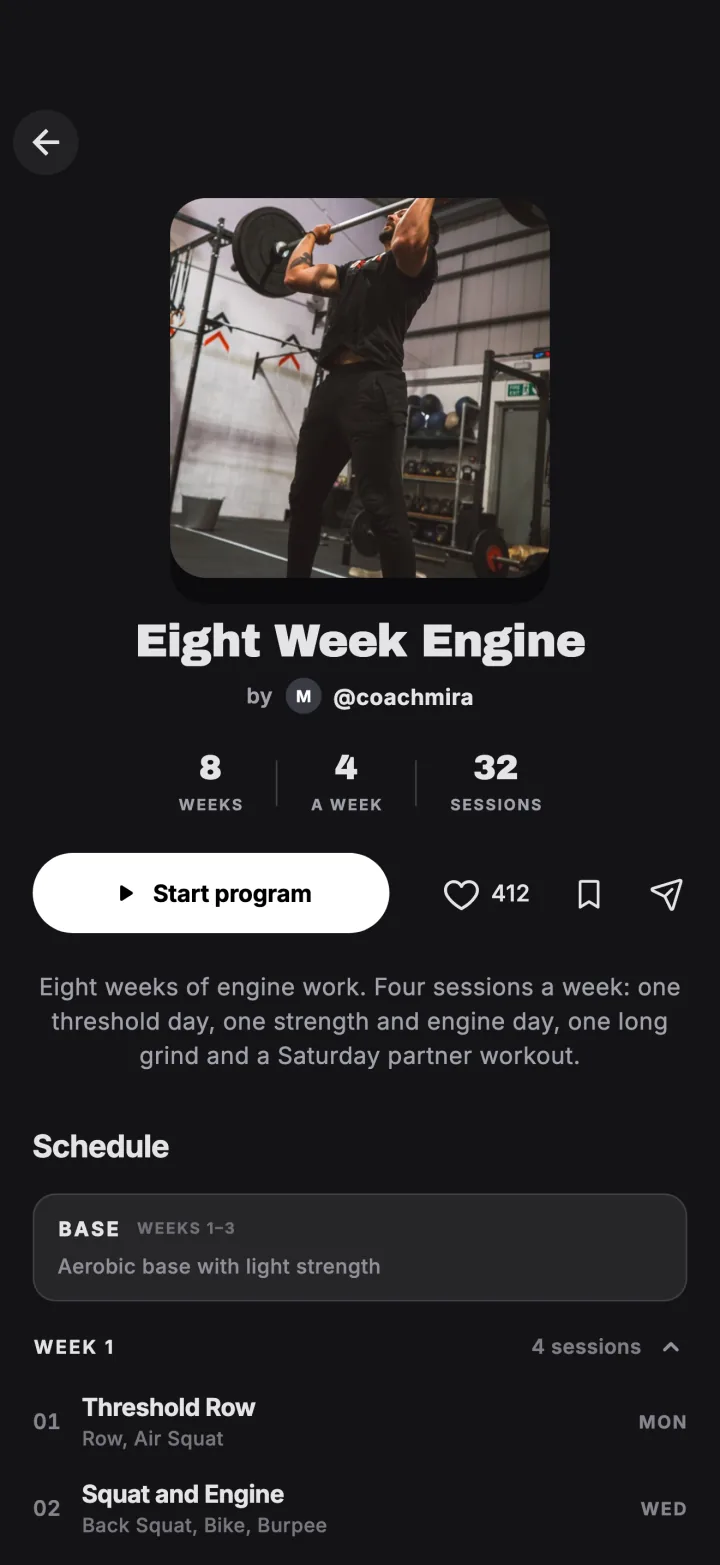
Start it
Tap Start program and choose how many days a week you train. Fiz sets up your first week straight away.
Train today's session
Open the program to see this week and today's session. Train it, log your score, and the next session is ready when you are.
Keep going week by week
Your progress is saved as you log, so you can pick up where you left off on any day. Live programs from coaches release new weeks as they go, so everyone on the program trains the same week together.
Try it in the appFiz is free on iOS and Android.
Get the app →Common questions
Can I build my own program?
What is Smart Adjust?
What happens if I miss a week?
Still stuck? Email [email protected] and we will help.