
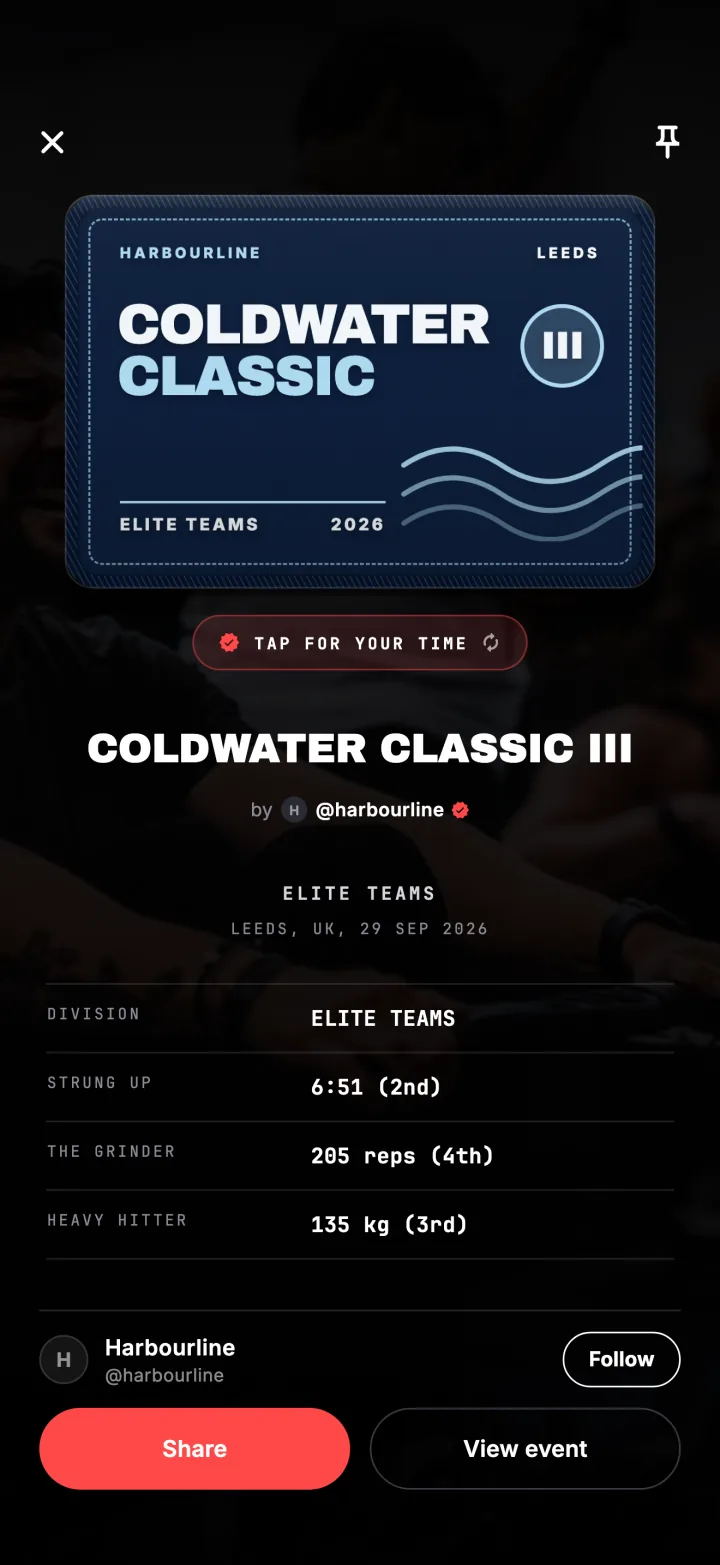
A patch is the organiser's art on your Fiz profile, kept for good, with your division and, when the event has results, your placing.
Get your code
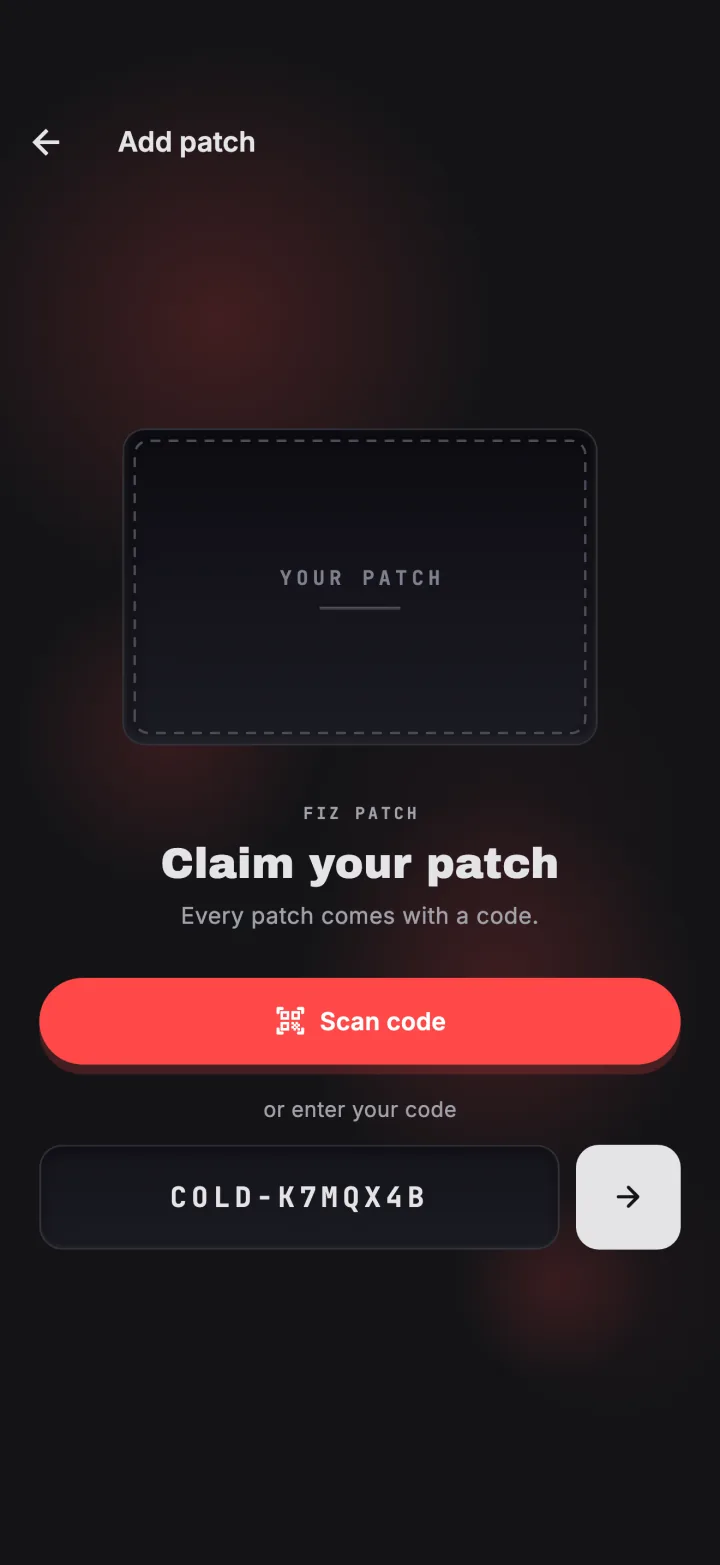
At events that hand out codes, you get one on the day, often on a card with a QR code. Codes look like COLD-K7MQX4B: a short word chosen by the organiser, then seven letters and numbers.
Scan or type it
Tap Claim your patch on the event page, or tap Redeem a code from the Create button anywhere in the app. Scan the QR code or type the code. Any Fiz code works in the same box.
See it on your profile
The patch goes on your profile straight away. When the organiser publishes results, your placing shows on it too. Tap it to see your result and share it.
Or get it given to you
Some events give patches to everyone who entered instead of handing out codes. If you entered on Fiz or accepted a place from the organiser, your patch arrives with your placing when the organiser finalises the results.
Try it in the appFiz is free on iOS and Android.
Get the app →Common questions
Does claiming a patch cost anything?
My code does not work.
Can I claim after the event?
Still stuck? Email [email protected] and we will help.