
Events on Fiz have their own page in the app with the date, the divisions, the workouts and the leaderboard. When the organiser takes entries on Fiz, you sign up right there.
Organising an event yourself? See Fiz for events.
Find the event
Events are in the Events tab in Explore, or open the link the organiser shared. The event page shows the date, the place, the price, the divisions and how many places are left when a division is nearly full.
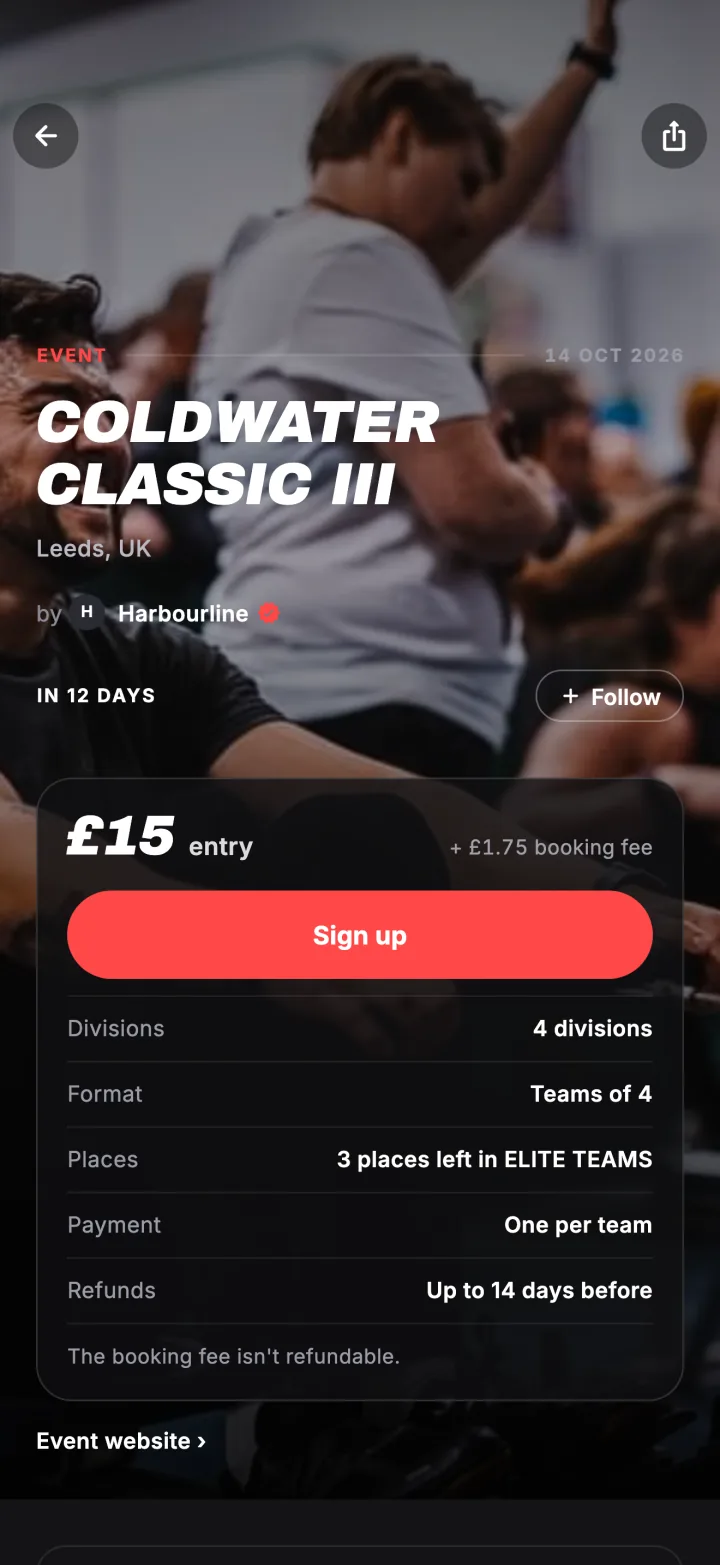
Tap Sign up
Tap Sign up on a paid event, or Join the leaderboard on a free one. Pick your division. If the event has only one, you go straight to your entry. For a pairs or team division, give your team a name.
Divisions can have different prices. The event shows the lowest as from £15, and each division shows its own price when you pick.
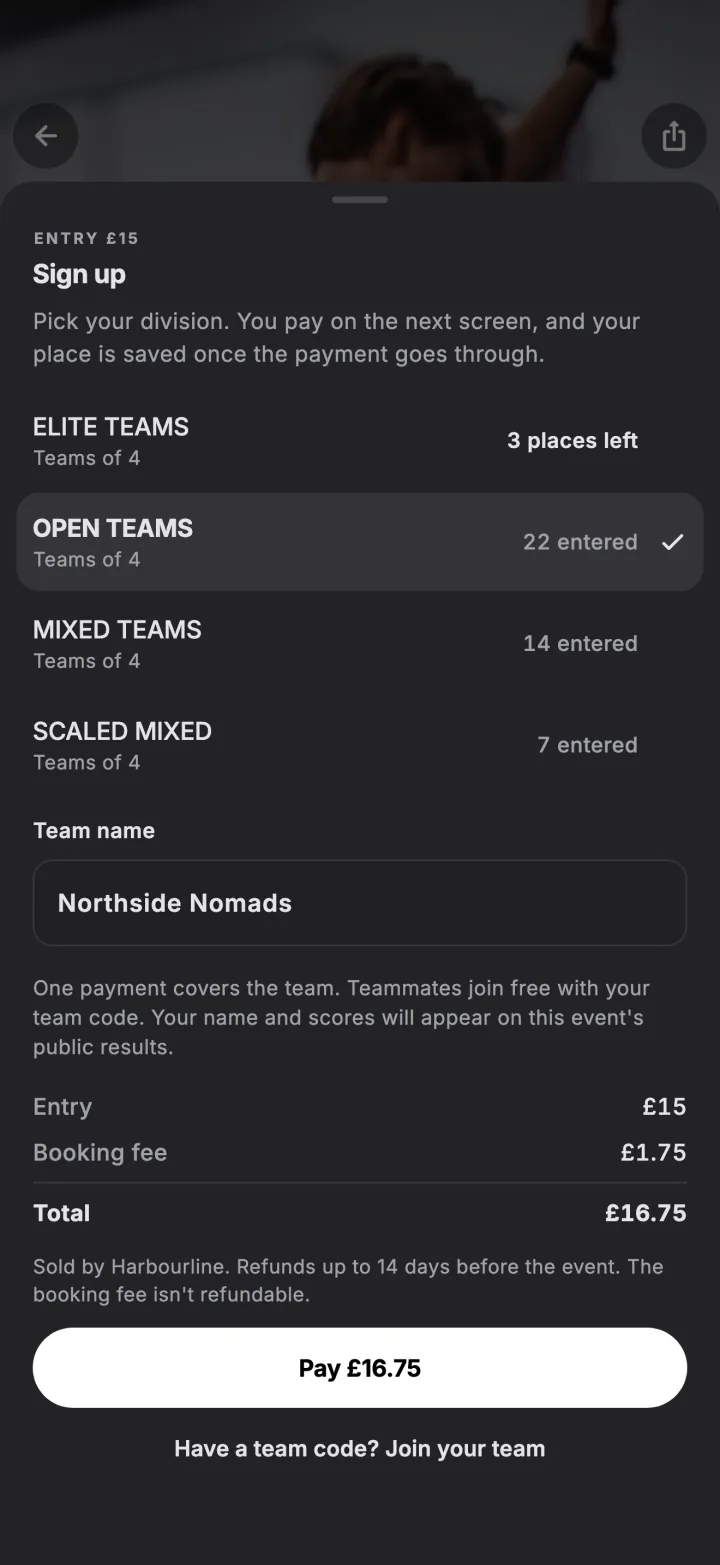
Pay, if there is a price
The sheet shows the entry price, the booking fee and the total before you pay. Payment opens in a secure checkout and you come straight back to the event when it goes through. The organiser is the seller, and their refund policy is shown before you pay.
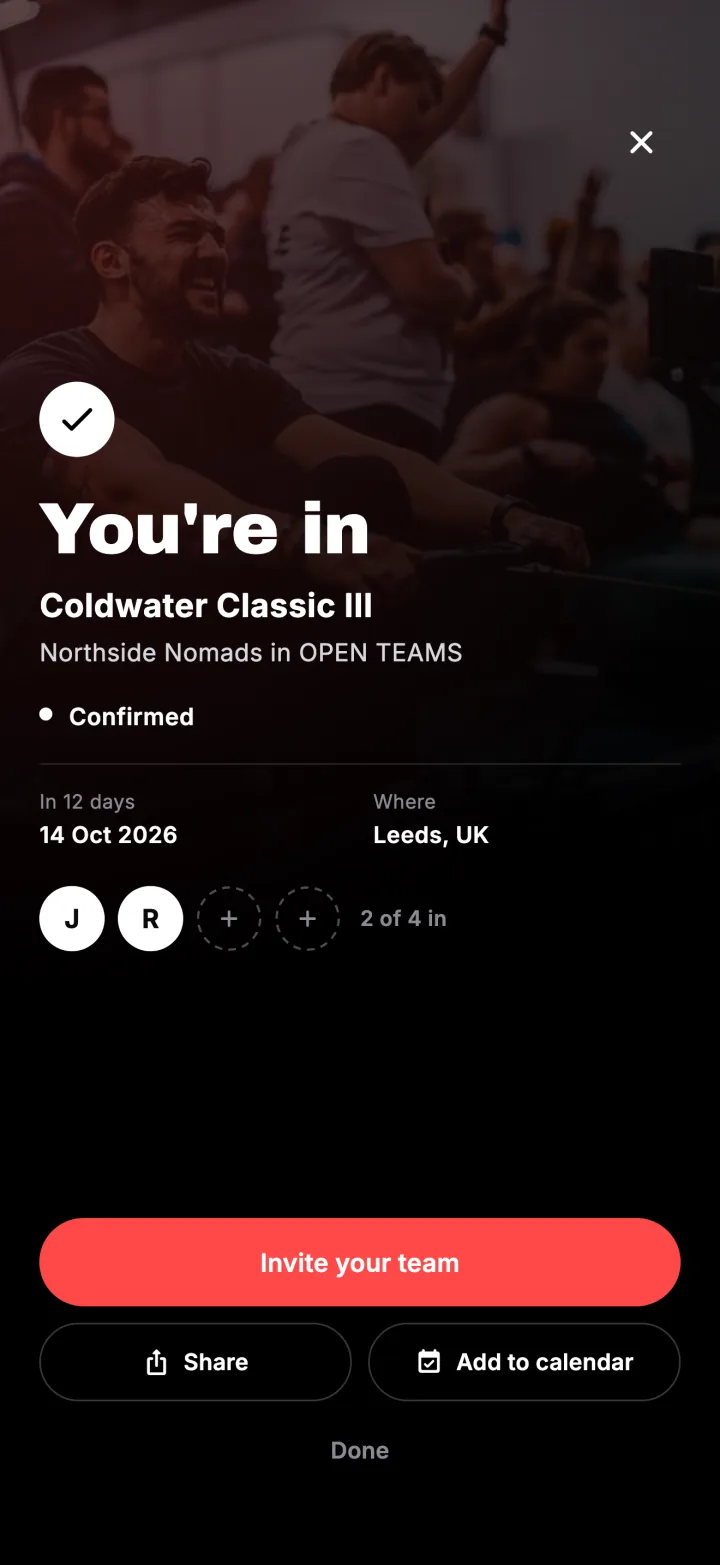
Bring your team
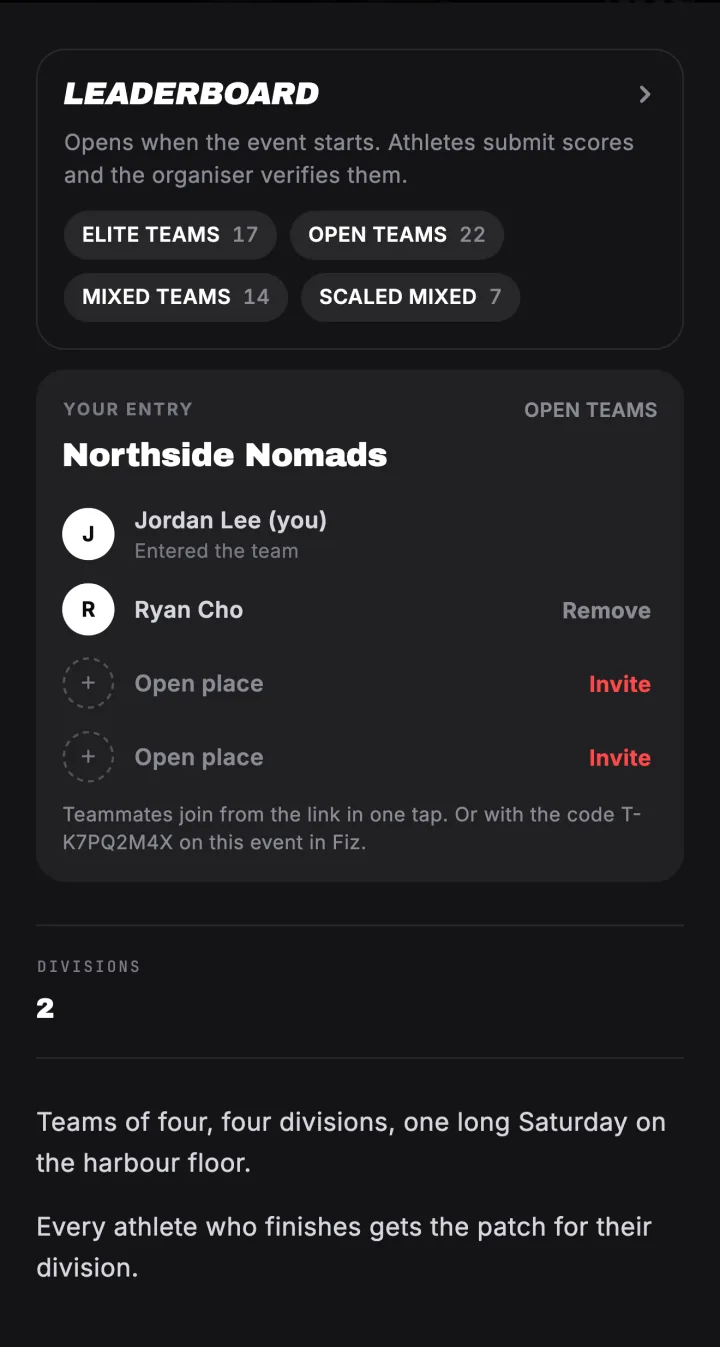
On a team event, one payment covers the team. After signing up you get an invite link and a team code to send your teammates, and they join for free. See how to join your team.
Try it in the appFiz is free on iOS and Android.
Get the app →Common questions
What is the booking fee?
Can I get a refund?
When does entry close?
I already entered on another website. What now?
Still stuck? Email [email protected] and we will help.