
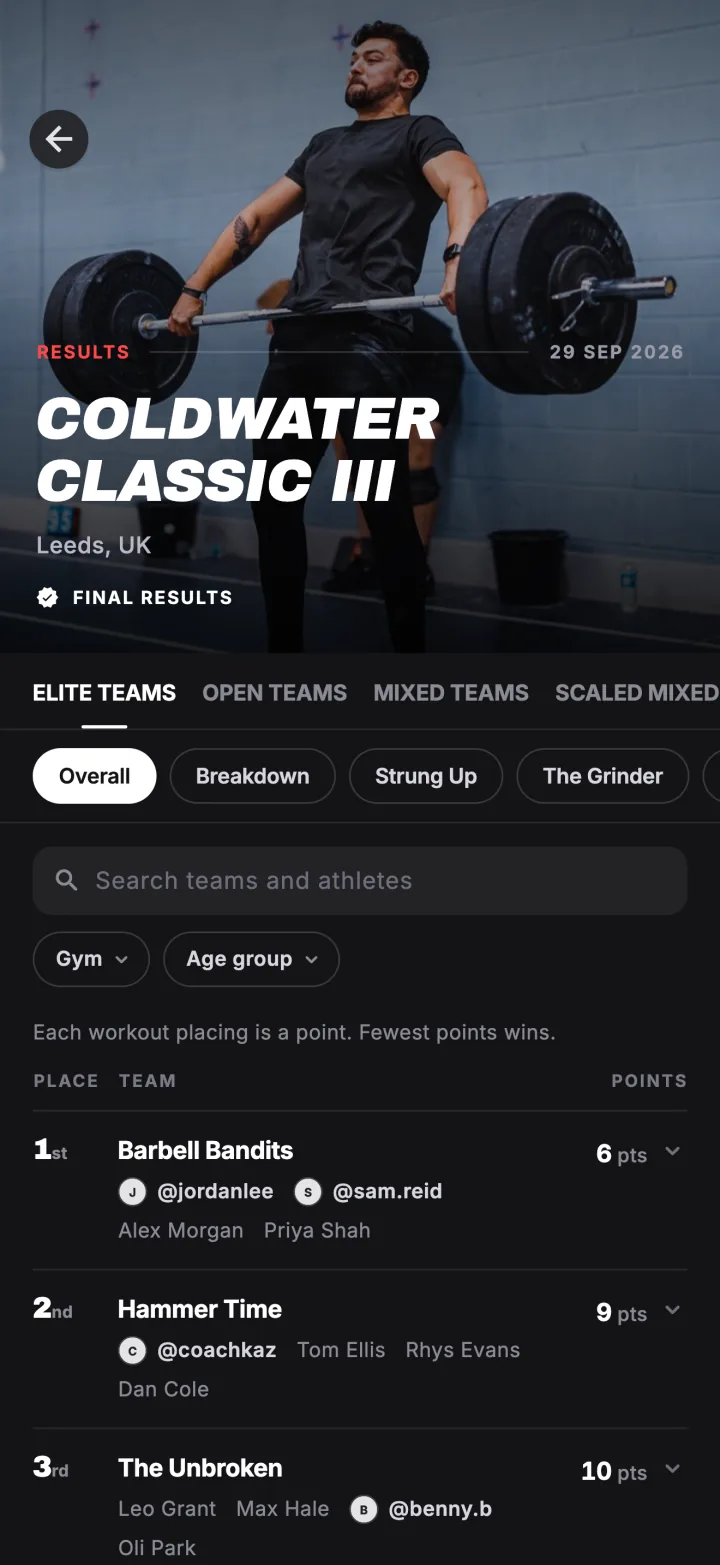
Some events let athletes submit their own scores, which is how online competitions and in-house throwdowns run on Fiz. The organiser checks each score before it goes on the leaderboard.
Organising an event yourself? See Fiz for events.
Open the event
Submitting opens when the event starts. Open the event page: your entry lists each of the event's workouts with a Submit score button.
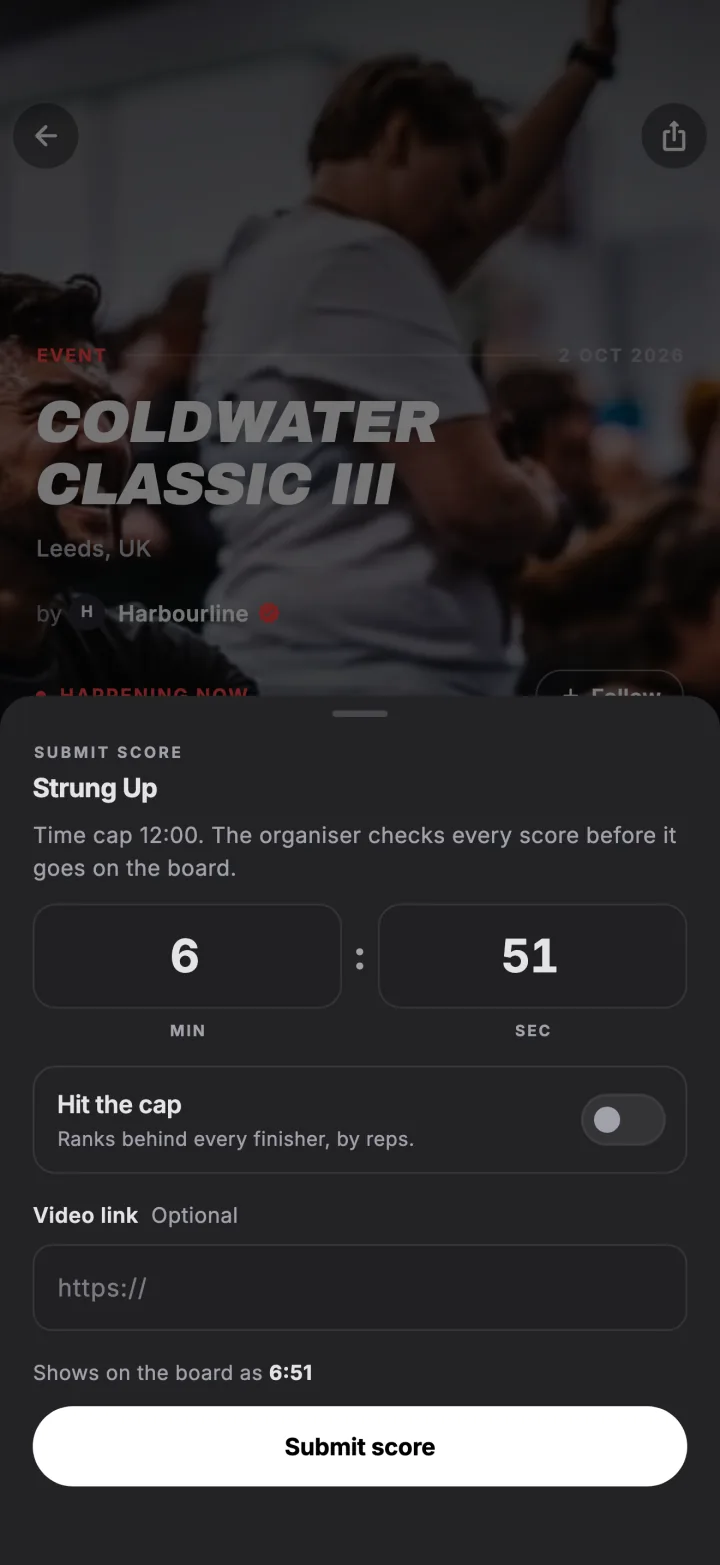
Tap Submit score
Enter your score the way the workout is scored: a time, reps or a weight. If you hit the time cap, turn on Hit the cap and enter the reps you finished.
Add a video link
If the organiser asks for it, paste a link to your video. Links start with https://.
Wait for it to be verified
Your score is sent to the organiser to verify. Once they approve it and publish the workout, it goes on the board. If they send it back, you will see their note and can resubmit.
Try it in the appFiz is free on iOS and Android.
Get the app →Common questions
Why can I not see my score on the board?
Can I change my score?
Is the overall ranking final?
Still stuck? Email [email protected] and we will help.