
On a team event, one person signs the team up. Everyone else joins with the invite link or the team code, and joining is free once the team has paid.
Open the invite link
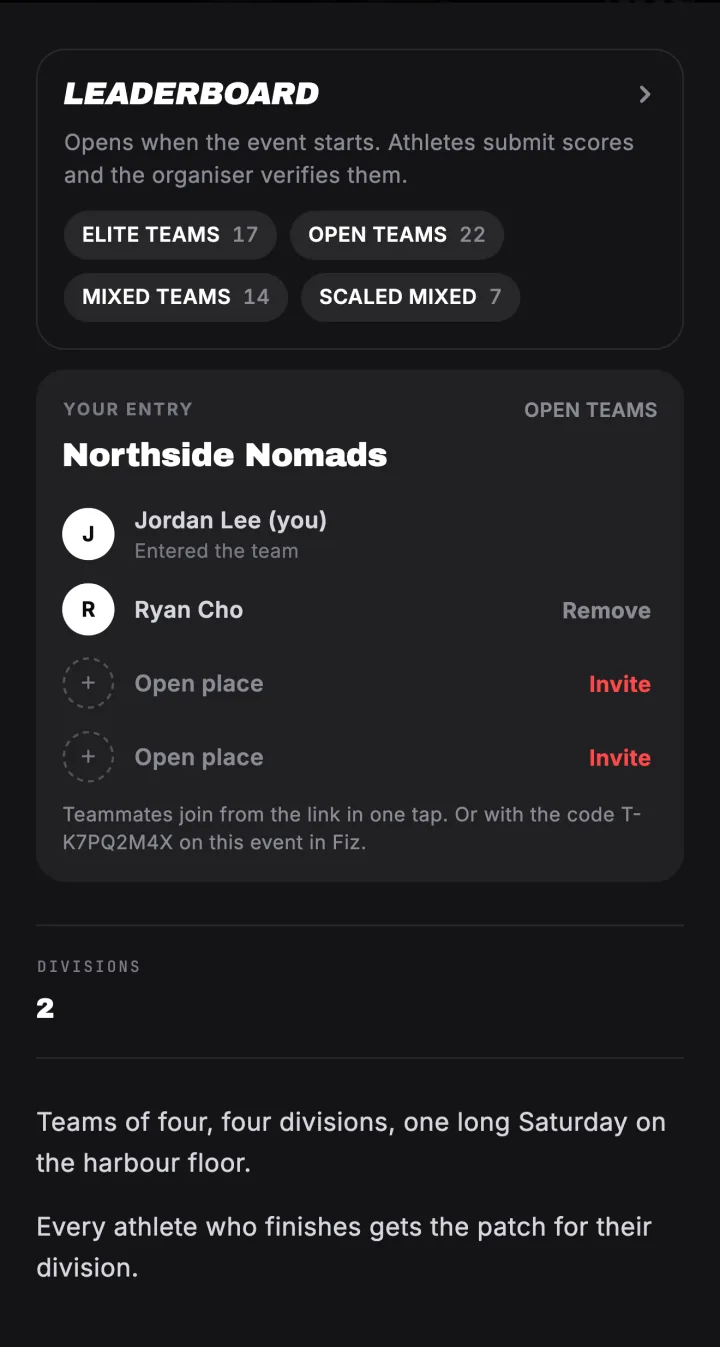
Your captain can share a link that looks like joinfiz.com/event/…/team/T-…. Open it on your phone and it shows the team, the event and who is already on it.

Or type the team code
No link? Open the event in Fiz and tap Have a team code? Join your team, then type the code your captain gave you. Team codes start with T-.
Tap Join team
That is it. You are on the team, entered in the event and following the event, so you get its updates.
Captains: invite your team
After you sign up, the event page shows your team card with an Invite your team button. Share the link, or send the code. You can remove a teammate from the card if someone joins by mistake.
Try it in the appFiz is free on iOS and Android.
Get the app →Common questions
Do my teammates need to pay?
Who is the captain?
Can I leave a team?
Still stuck? Email [email protected] and we will help.